 cheatmode
Cheat code 07
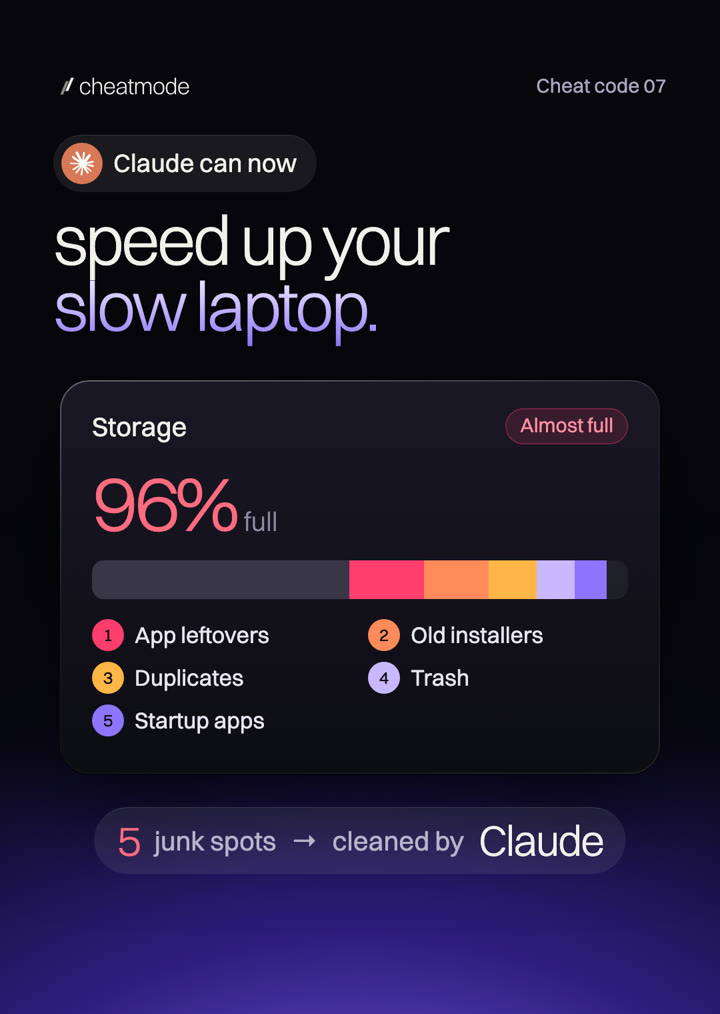
It checks the 5 places junk hides on any Mac or Windows laptop, asks before deleting anything, then cleans up.
The 5 places junk hides
Leftover app files
Caches and temp files apps leave behind. Apps rebuild them on their own.
Installers you ran once
Setup files (.dmg, .pkg, .exe, .msi) still sitting in Downloads.
Duplicates
The same photo or file saved twice.
The Trash or Recycle Bin
Files you deleted still take space until it's emptied.
Startup apps
Apps that launch when you log in and slow everything down.
How to run it
Open Claude
Open the Claude desktop app and switch to Code.
Paste the prompt
Paste the prompt below. Claude looks first and changes nothing.
Check the table
It shows each item, its size, why it's safe and how to undo it.
Say OK
It moves files to the Trash (never deletes for good) and checks the disk again.
The prompt
My laptop is slow. Be my careful cleanup assistant.

Step 1, look only, change nothing: tell me my OS, how full my disk is, and my 10 biggest folders. Then find safe junk: app caches and temp files, installers (.dmg .pkg .exe .msi .zip) in Downloads older than 30 days, exact duplicate files in Downloads and Desktop, and what's in the Trash or Recycle Bin. Also list my startup apps and the 5 apps using the most memory.

Step 2: show a table with each item, its size, why it's safe, and how to undo it. Skip system files, my Documents, photo libraries, and iCloud or OneDrive folders.

Step 3: wait for my OK. Then move files to the Trash or Recycle Bin (never delete permanently), tell me how to turn off each startup app, and check the disk again to show before and after.